Top 10 Best Laptops for Students in 2026 (Every Budget and Major)
The 10 best laptops for students — MacBooks, Windows ultrabooks, 2-in-1s, Chromebooks and GPU laptops for engineering — ranked with pros, cons and budget advice.
The verdict
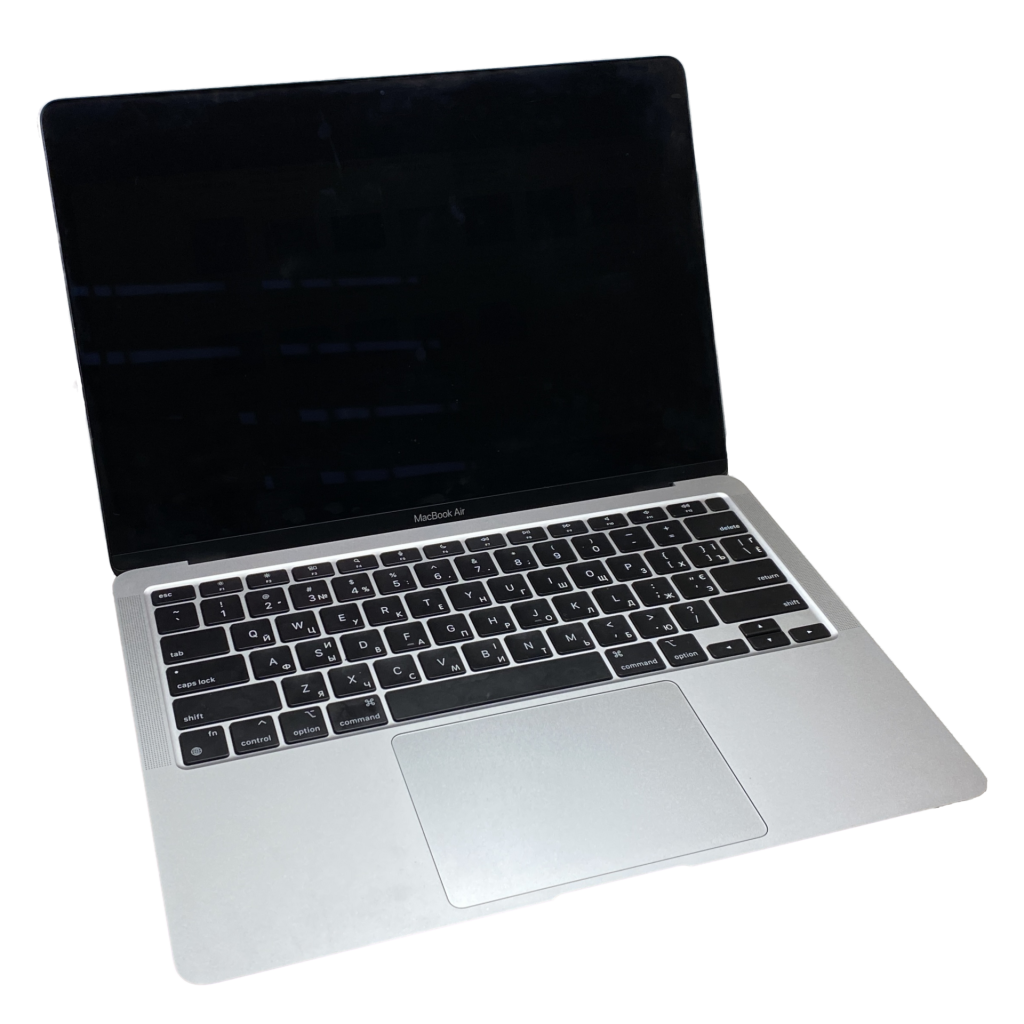
Apple MacBook Air 13 (M4)
The MacBook Air (M4) is the best student laptop for most people; the Zenbook 14 OLED is our Windows pick.
A student laptop has to do a lot: survive four years of backpacks, last from a morning lecture to an evening study session, run every app your course needs and still leave money for textbooks. Choosing the wrong one means a slow, frustrating machine long before graduation.
We ranked the ten best laptops for students across every budget and major — from the all-day MacBook Air to affordable Windows workhorses, 2-in-1s for note-takers and GPU laptops for engineering students.
Our top picks at a glance
- Best overallApple MacBook Air 13 (M4)
- Best Windows laptopASUS Zenbook 14 OLED
- Best battery on WindowsMicrosoft Surface Laptop (7th Edition)
- Best value WindowsLenovo IdeaPad Slim 5
- Best lightweight budgetAcer Swift Go 14
- Best 2-in-1Microsoft Surface Pro (11th Edition)
- Best convertibleLenovo Yoga 7i 2-in-1
- Best ChromebookAcer Chromebook Plus 514
- Best for engineering and gamingLenovo LOQ 15
- Best big screen on a budgetASUS Vivobook 16
| Model | Why we picked it | Where to buy |
Apple MacBook Air 13 (M4) |
||
ASUS Zenbook 14 OLED |
||
Microsoft Surface Laptop (7th Edition) |
||
Lenovo IdeaPad Slim 5 |
||
Acer Swift Go 14 |
||
Microsoft Surface Pro (11th Edition) |
||
Lenovo Yoga 7i 2-in-1 |
||
Acer Chromebook Plus 514 |
||
Lenovo LOQ 15 |
||
ASUS Vivobook 16 |
How we chose
We compared each laptops for student against its closest rivals at the same price using manufacturer specifications, independent test data and long-term owner feedback from verified buyers. Every pick is scored out of 10 on performance, value, build quality and longevity — see our editorial policy. We never accept payment for placement.
The 10 best laptops for students in 2026
1. Apple MacBook Air 13 (M4) — Best overall
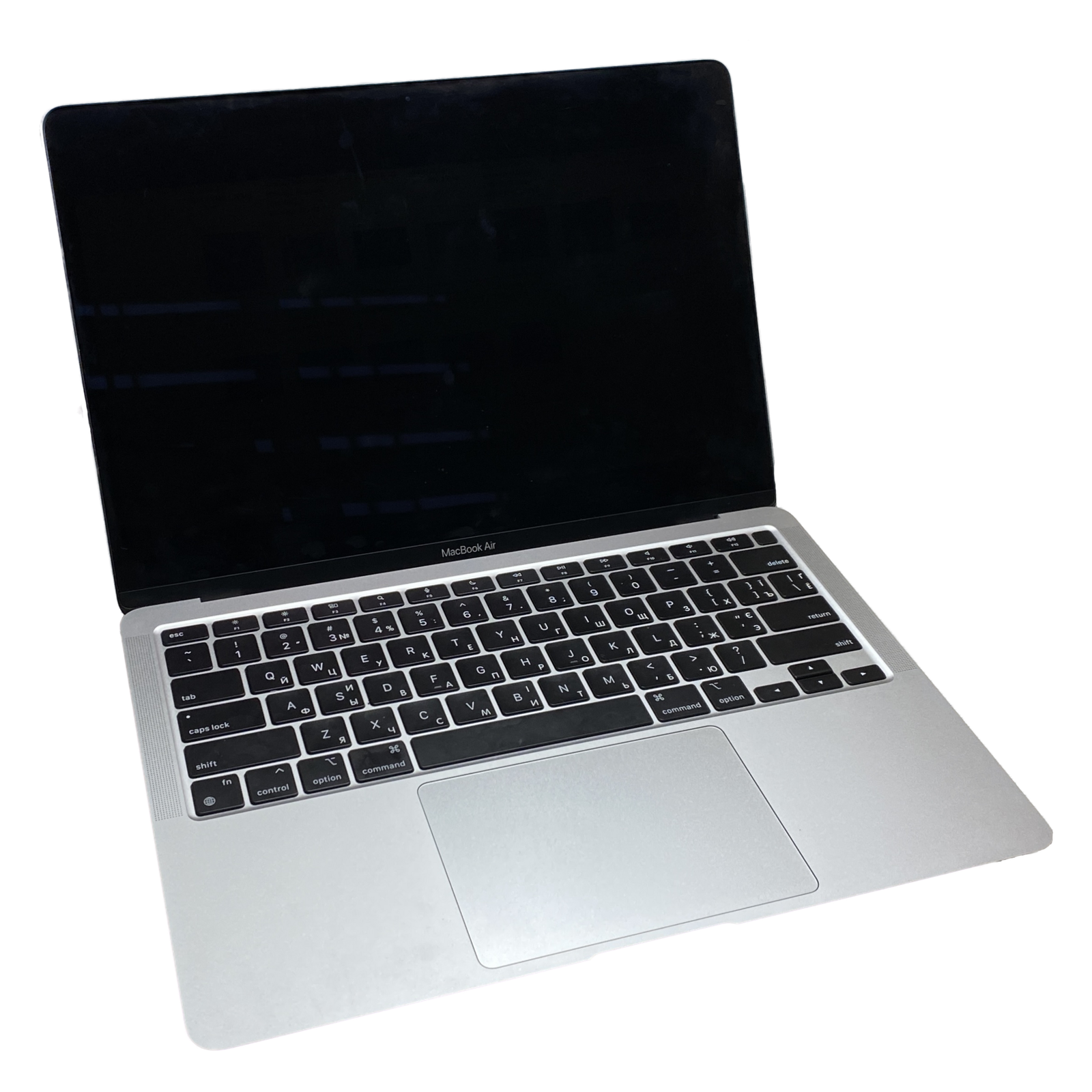
The MacBook Air is the easiest recommendation for most students. The M4 chip is fast enough for everything short of heavy 3D work, it is completely silent in a quiet library, and battery life comfortably covers a full day of classes.
The base model now ships with 16GB of memory, fixing its biggest long-term weakness. Check that your course software runs on macOS — some engineering tools are Windows-only.
2. ASUS Zenbook 14 OLED — Best Windows laptop
The Zenbook 14 OLED gets closest to the MacBook Air experience on Windows. Its OLED screen is stunning for notes and Netflix alike, and it keeps full-size ports so you will not need dongles for the lecture-hall projector.
Intel Core Ultra and AMD Ryzen AI versions both offer good battery life for Windows laptops.
3. Microsoft Surface Laptop (7th Edition) — Best battery on Windows
Microsoft’s Snapdragon-powered Surface Laptop brings MacBook-like battery life and instant wake to Windows. The taller 3:2 touchscreen is great for reading and writing, and the keyboard is one of the best on any laptop.
Most apps now run natively on Windows on Arm, but check any niche course software before buying.
4. Lenovo IdeaPad Slim 5 — Best value Windows
The IdeaPad Slim 5 is our go-to when the budget is firm but Windows is a must. It regularly sells well below premium ultrabooks while still offering 16GB of memory, a comfortable keyboard and a sturdy aluminium lid.
Configurations vary a lot, so aim for a recent AMD Ryzen or Intel Core Ultra chip and a 512GB SSD.
5. Acer Swift Go 14 — Best lightweight budget
The Swift Go 14 is an affordable ultralight that is easy to carry between classes. Many configurations include an OLED screen, and fast charging tops up the battery quickly between lectures.
Build quality is a step below premium models, but the value is excellent.
6. Microsoft Surface Pro (11th Edition) — Best 2-in-1
Students who handwrite notes, annotate PDFs or sketch will love the Surface Pro. It is a genuinely good tablet and becomes a proper laptop with the keyboard attached.
Budget for the keyboard and pen, which are sold separately.
7. Lenovo Yoga 7i 2-in-1 — Best convertible
The Yoga 7i folds all the way around into a tablet, or stands in tent mode for watching lectures. It is a more affordable way to get a touchscreen and pen support in a traditional laptop design.
It is heavier than a pure ultrabook, but more stable on your lap than a detachable tablet.
8. Acer Chromebook Plus 514 — Best Chromebook
For students who live in Google Docs and the browser, a Chromebook Plus is the smartest money you can spend. It boots in seconds, updates itself and is very hard to slow down with software.
Check your course list first — Chromebooks cannot run full desktop apps like Adobe Premiere. See our full list of the best Chromebooks.
9. Lenovo LOQ 15 — Best for engineering and gaming
Engineering, architecture and game-design students often need a dedicated GPU. The LOQ 15 is one of the most affordable ways to get one without buying a poor-quality laptop.
It is heavier and battery life is short, so treat it as a portable workstation. For more options see our best gaming laptops.
10. ASUS Vivobook 16 — Best big screen on a budget
If you want a big screen for spreadsheets, coding or split-screen research without spending much, the Vivobook 16 delivers. A full-size keyboard with a number pad is handy for maths and business students.
It is heavier than a 14-inch laptop and the screen is not as bright as premium models.
Comparison at a glance
| Product | Best for | Our score |
|---|---|---|
| Apple MacBook Air 13 (M4) | Most students | 9.2/10 |
| ASUS Zenbook 14 OLED | Windows users who want premium | 8.9/10 |
| Microsoft Surface Laptop (7th Edition) | All-day Windows use | 8.8/10 |
| Lenovo IdeaPad Slim 5 | Firm budgets | 8.6/10 |
| Acer Swift Go 14 | Carrying all day | 8.4/10 |
| Microsoft Surface Pro (11th Edition) | Handwritten notes and drawing | 8.6/10 |
| Lenovo Yoga 7i 2-in-1 | Tent, tablet and laptop modes | 8.3/10 |
| Acer Chromebook Plus 514 | Web-based coursework | 8.2/10 |
| Lenovo LOQ 15 | CAD, 3D and gaming | 8.3/10 |
| ASUS Vivobook 16 | Spreadsheets and multitasking | 8.0/10 |
What students should look for
- 16GB of memory on Windows and Mac keeps a laptop fast for years.
- 512GB storage is ideal; 256GB only if you rely on cloud storage.
- 8+ hours of real battery life, because lecture-hall outlets are a lottery.
- Under 1.5 kg if you will carry it every day.
- Check course requirements — some programmes need Windows or a dedicated GPU.
For a deeper explanation of every spec, read our laptop buying guide.
Save money as a student
Frequently asked questions
Is a MacBook or Windows laptop better for students?
A MacBook Air is the best all-rounder for most students thanks to battery life and build quality, but Windows is essential for some engineering and gaming courses.
How much should I spend on a student laptop?
Around $700–$1,000 gets an excellent laptop that will last a full degree. Chromebooks start much lower for web-based work.
Do students need a laptop with a dedicated GPU?
Only for gaming, 3D design, video editing or GPU-accelerated engineering software.
Deciding between Macs? See our MacBook Air vs MacBook Pro comparison.
Ready for the new semester?
Back-to-school deals on laptops are some of the best of the year.