MacBook Air vs MacBook Pro in 2026: Which Mac Laptop Should You Buy?
The MacBook Air is lighter, silent and cheaper. The 14-inch MacBook Pro has a better screen, more ports and sustained power. Here is exactly who should buy which.
Our pick
MacBook Air (M4)
The MacBook Air is the right Mac for most people; the MacBook Pro is worth it for video, code compiling and long creative sessions.
Apple’s laptop range comes down to two families. The MacBook Air is the thin, light, fanless laptop most people should buy. The MacBook Pro adds a far better display, more ports, active cooling and more powerful chip options for people whose work demands it.
We compare the 13- and 15-inch MacBook Air with the M4 chip against the 14-inch MacBook Pro with the M5 chip, then look at the higher-end Pro models, so you can see where the extra money goes.
Quick verdict
- Buy the MacBook Air ifyou do office work, study, browse, edit photos or light video, and want the lightest laptop.
- Buy the MacBook Pro ifyou edit 4K+ video, compile large projects, work in 3D or need HDMI and an SD card slot.
- Our pickMacBook Air (M4) for most people.
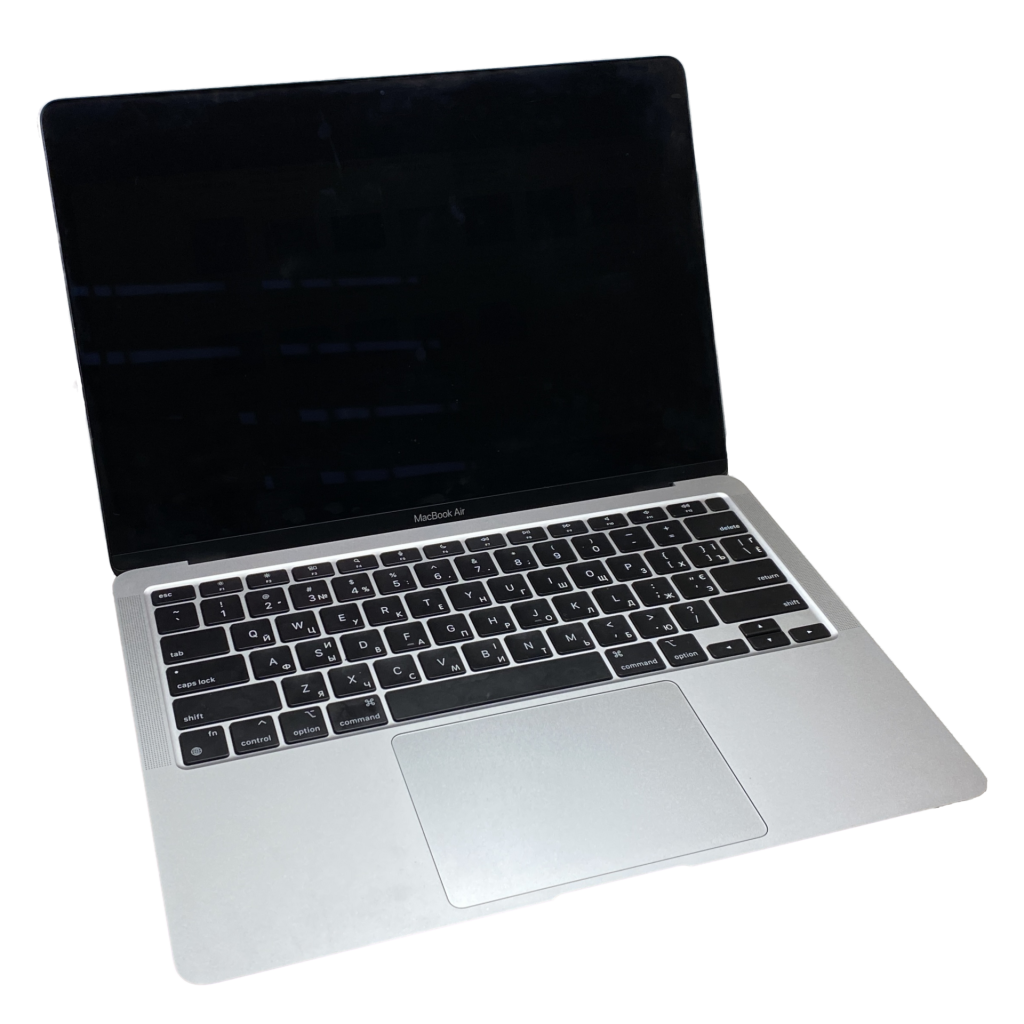
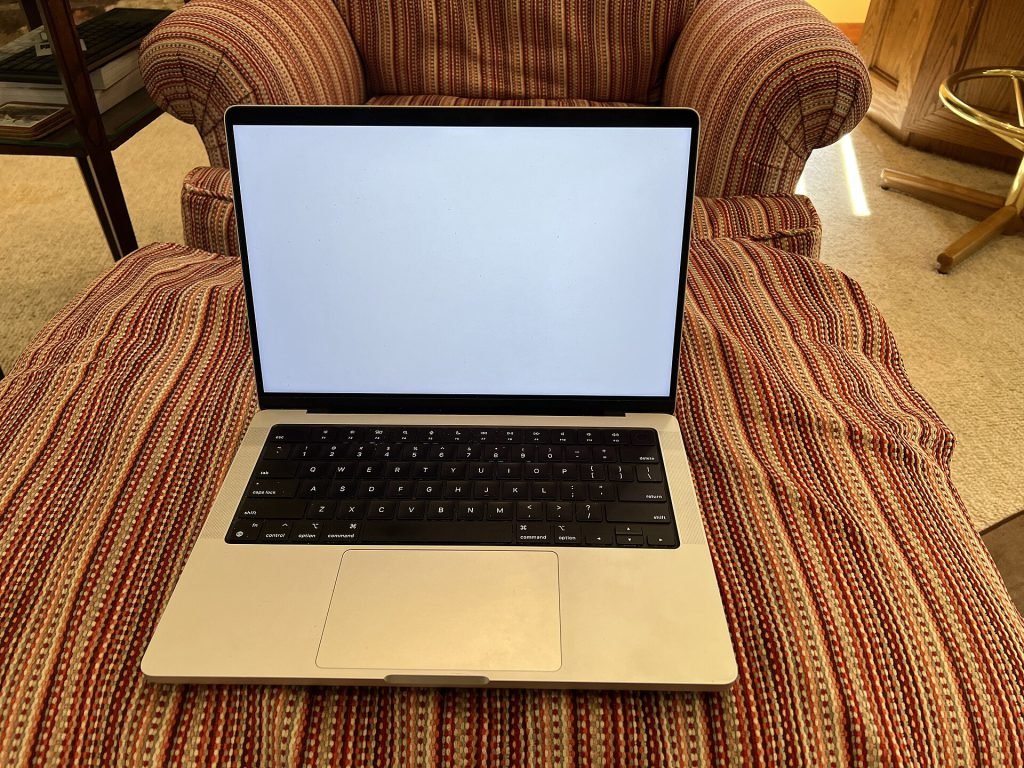
|
Chip |
Apple M4 | Apple M5 (M4 Pro/Max on higher models) | |
|
Display |
Liquid Retina, 60Hz | Liquid Retina XDR mini-LED, 120Hz | |
|
Cooling |
Fanless, silent | Active fan cooling | |
|
Ports |
2× Thunderbolt, MagSafe | 3× Thunderbolt, HDMI, SD, MagSafe | |
|
Weight |
From 1.24 kg | From 1.55 kg | |
|
Starting price |
$999 | $1,599 |
Performance: how much power do you need?
The M4 in the MacBook Air is fast enough for almost everything most people do: dozens of browser tabs, Office apps, Zoom, photo editing in Lightroom and even 4K video edits in Final Cut Pro. Because it has no fan, it is completely silent — but under long, heavy workloads it slows down slightly to manage heat.
The MacBook Pro’s fans let its chip run at full speed indefinitely. For a 10-minute task you will barely notice the difference; for an hour-long video export or a large code build, the Pro finishes noticeably sooner. Step up to M4 Pro or M4 Max configurations and you get many more CPU and GPU cores, far more memory bandwidth and support for more external displays.
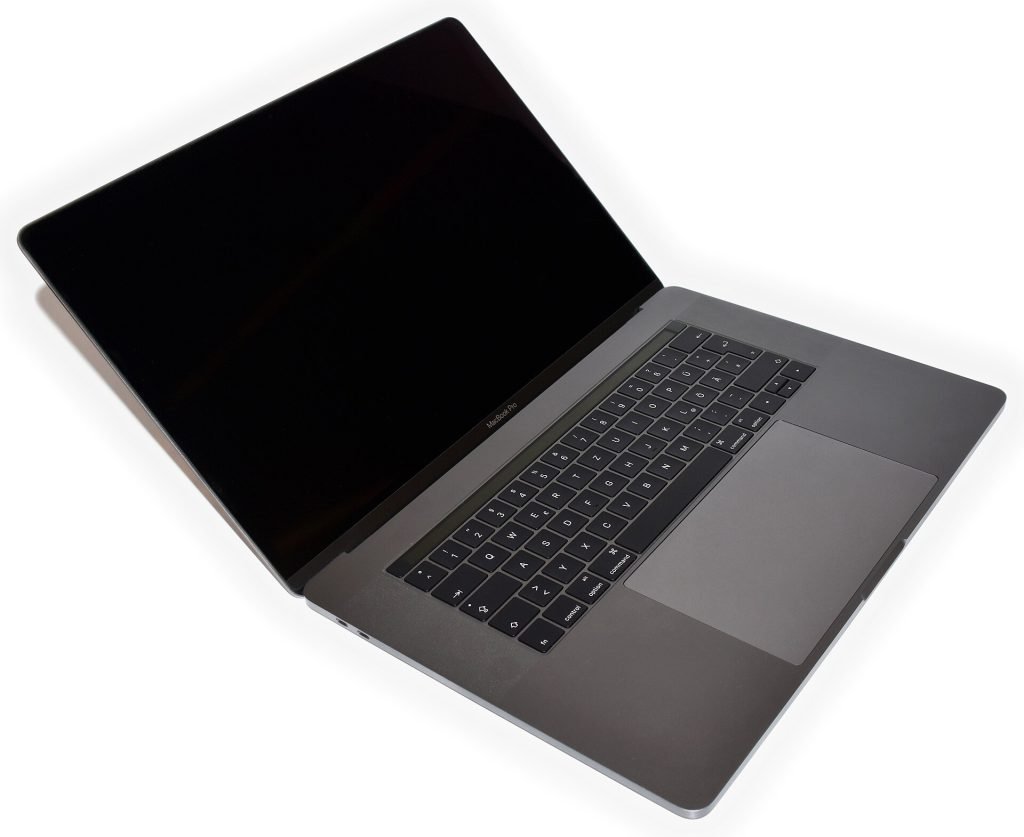
Display
This is the biggest everyday difference. The MacBook Pro’s Liquid Retina XDR display uses mini-LED backlighting, reaching up to 1,000 nits for SDR content and far higher for HDR highlights. ProMotion refreshes at up to 120Hz, so scrolling is buttery smooth, and an optional nano-texture finish reduces glare.
The MacBook Air’s Liquid Retina display is sharp, colour-accurate and perfectly pleasant, but it runs at 60Hz and is dimmer. If you work outdoors, watch lots of HDR content or grade video and photos, the Pro’s screen alone can justify the cost.
Ports and design
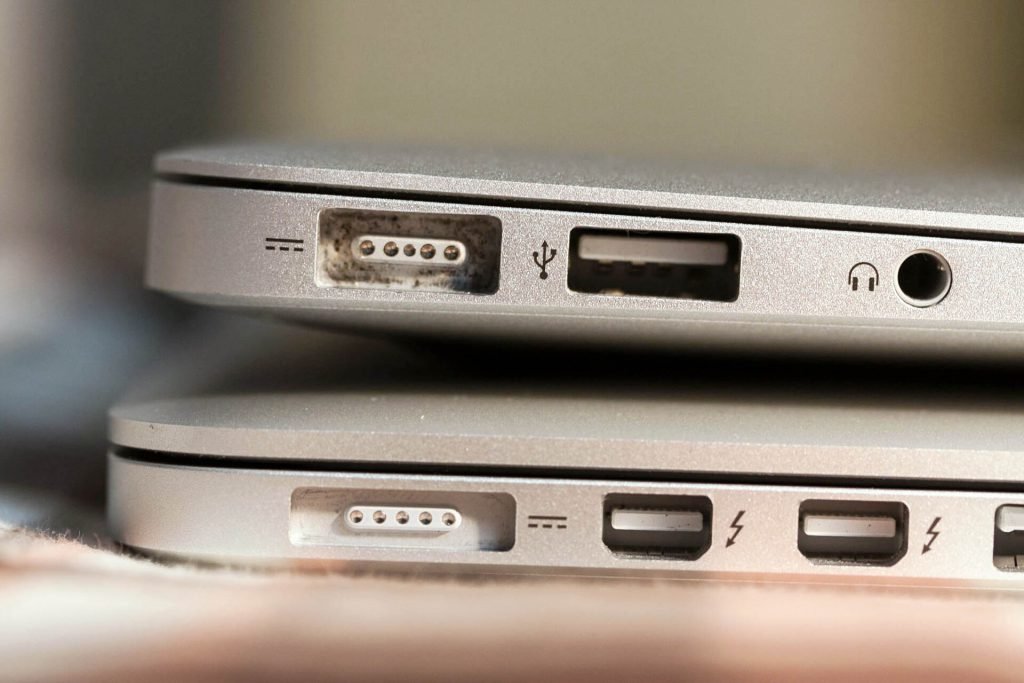
The MacBook Air has two Thunderbolt ports, MagSafe charging and a headphone jack. The 14-inch MacBook Pro adds a third Thunderbolt port, a full-size HDMI output and an SDXC card slot — handy for photographers and anyone presenting on TVs or projectors without dongles.
The Air is thinner and lighter, and the 15-inch Air gives you a big screen without the Pro’s weight. The MacBook Pro is sturdier and has an excellent six-speaker sound system that is among the best on any laptop.
Battery life
Both are exceptional. Apple rates the MacBook Air for up to 18 hours of video playback, and the 14-inch MacBook Pro for up to 24 hours. In mixed real-world use, both comfortably last a full working day; the Pro has more headroom for heavy tasks away from a charger.
Best for most
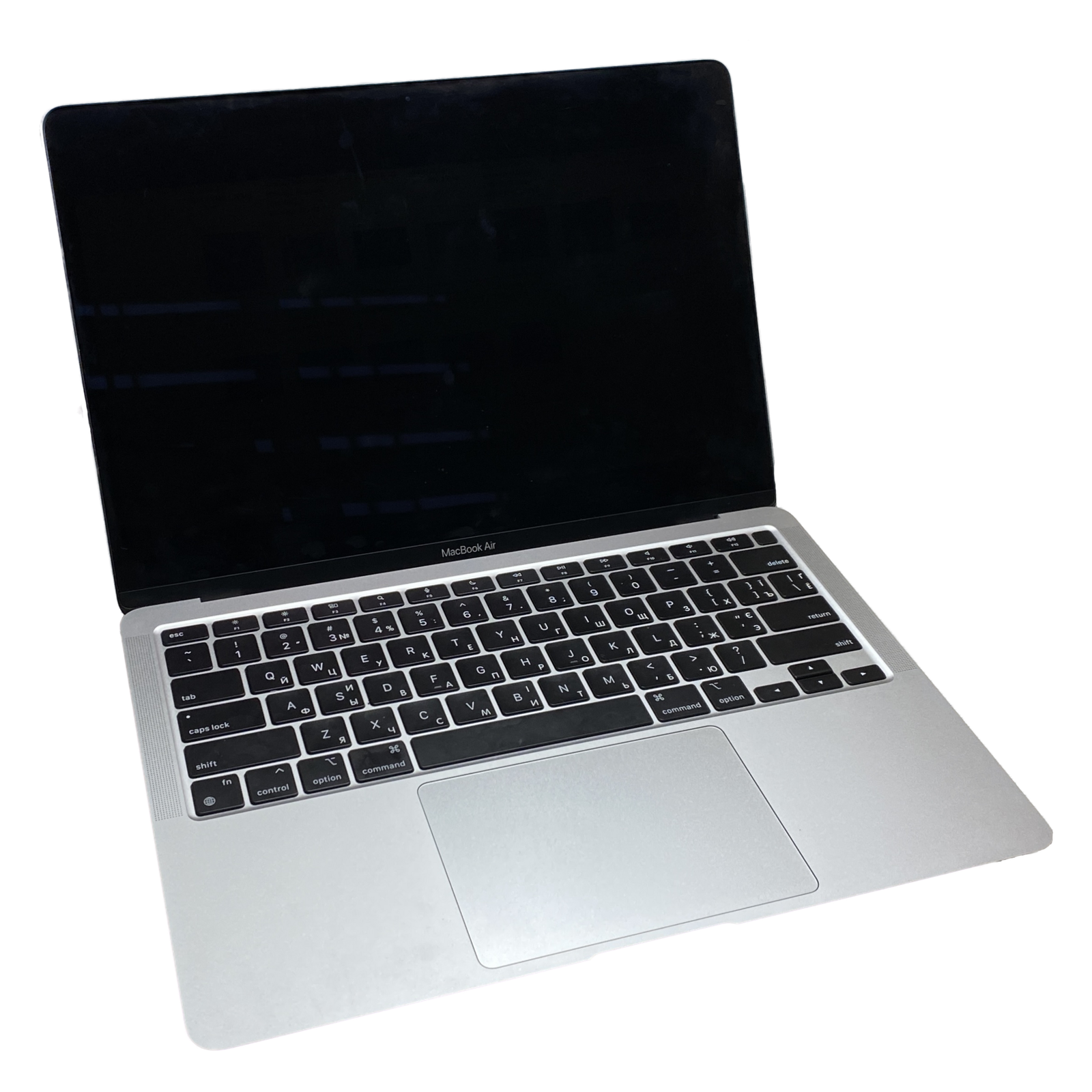 MacBook Air (M4) |
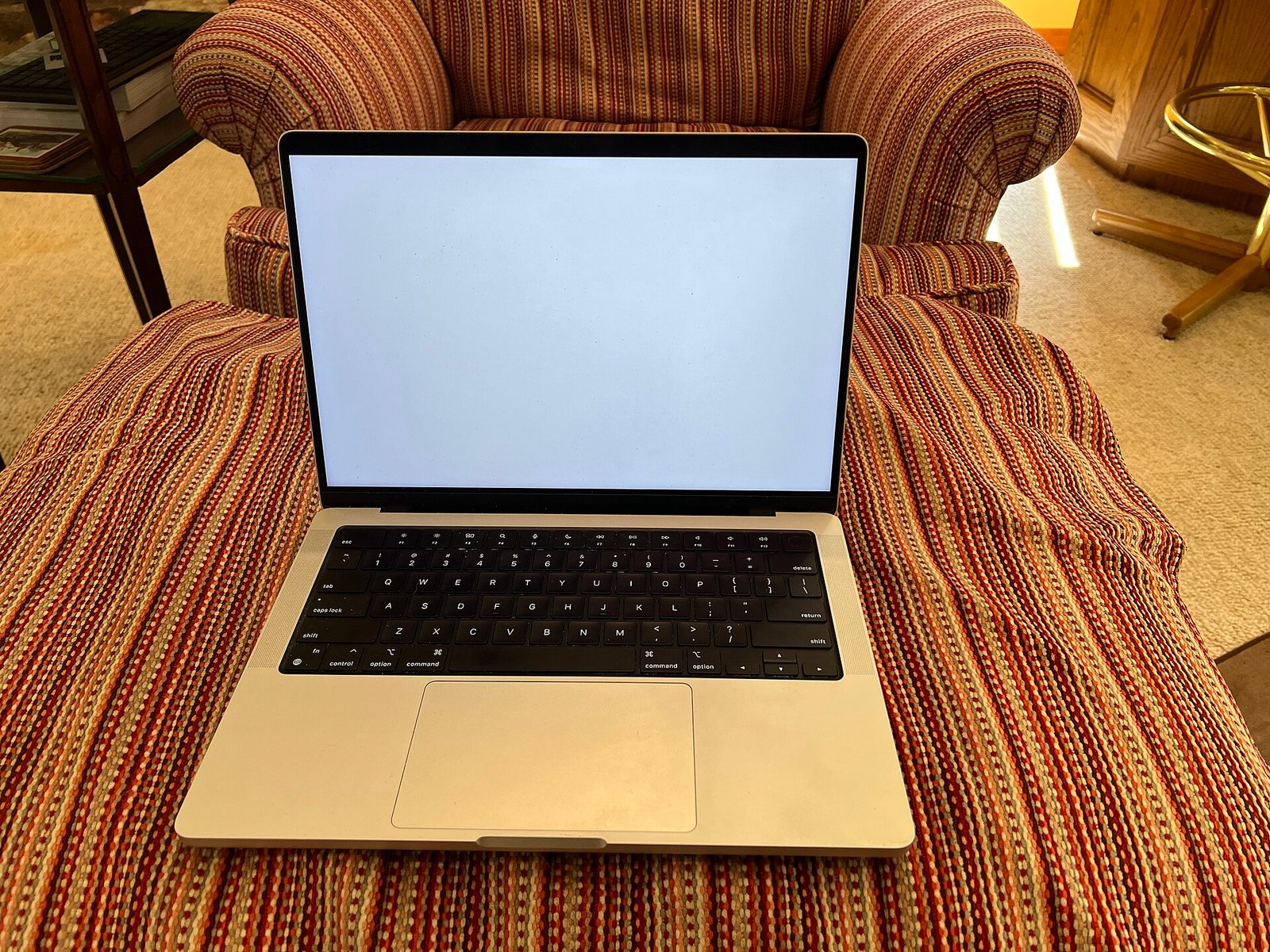 MacBook Pro 14 |
|
|---|---|---|
| Best for | Students, office work, travel | Video, code, 3D, pro audio |
| Screen | 13.6″ or 15.3″, 60Hz | 14.2″ XDR, 120Hz |
| Noise | Silent (fanless) | Quiet fans under load |
| Base memory | 16GB | 16GB |
| Battery | Up to 18 hours | Up to 24 hours |
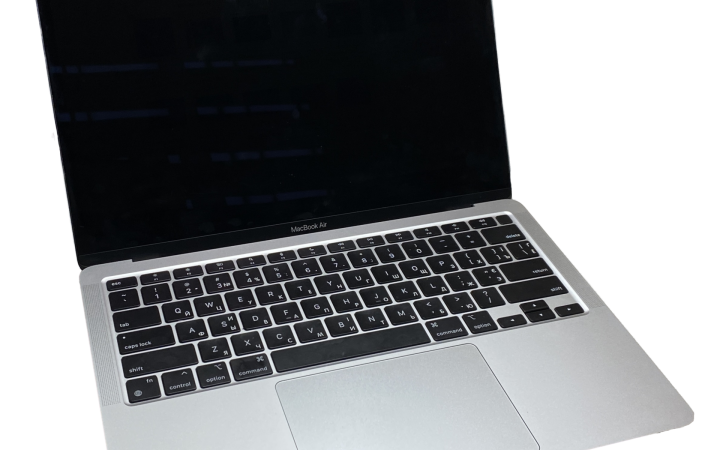
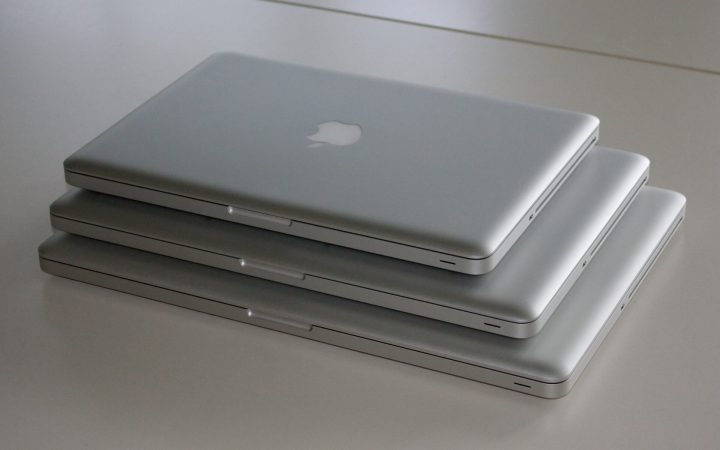
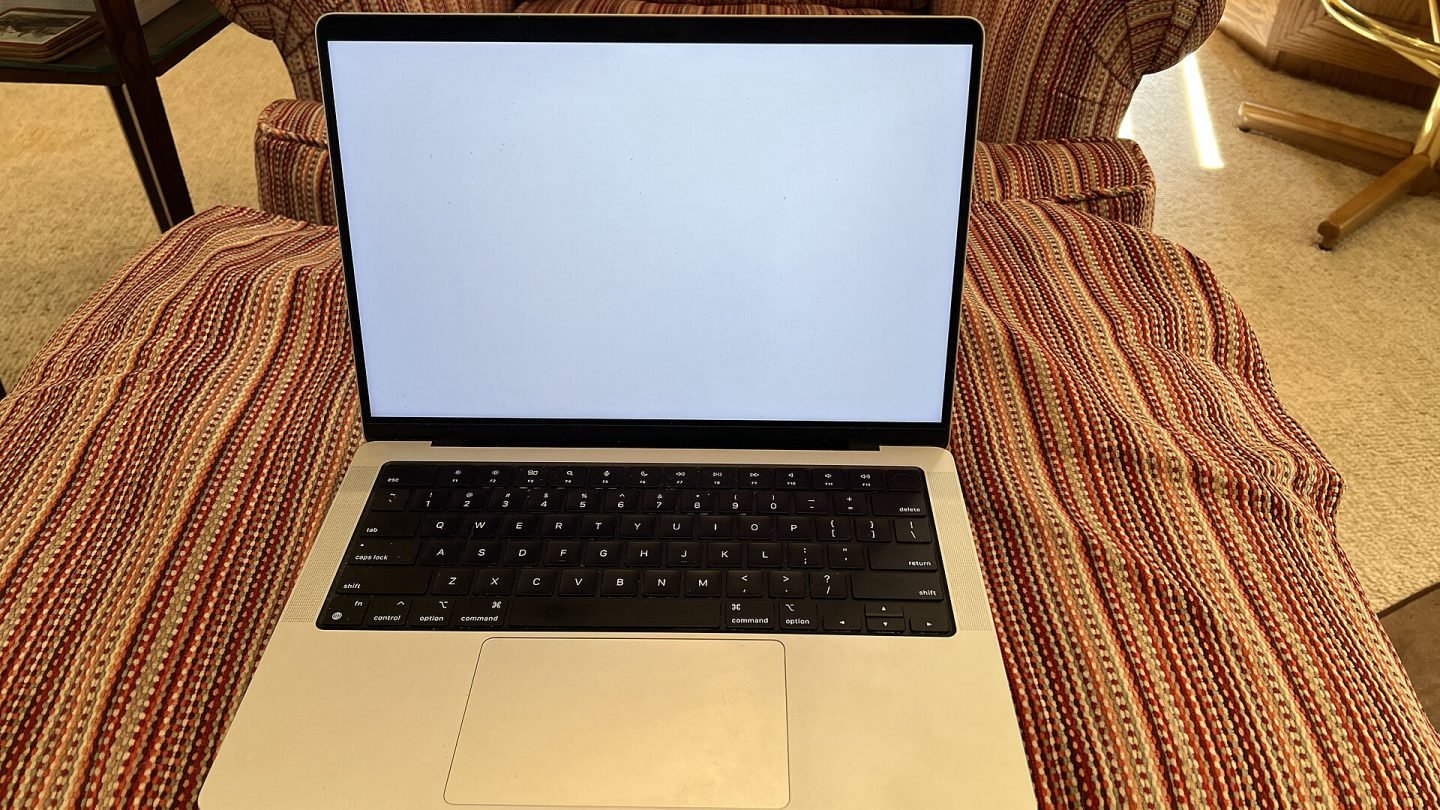
Laptop photos show the MacBook Air with Apple silicon and the 14-inch MacBook Pro design used by current models.
Which configuration should you buy?
| You are… | Buy this |
|---|---|
| A student or office worker | MacBook Air 13″ M4, 16GB / 256GB or 512GB |
| Someone who wants a bigger screen, light weight | MacBook Air 15″ M4 |
| A photographer or YouTuber | MacBook Pro 14″ M5, 16–24GB / 1TB |
| A video editor, developer or 3D artist | MacBook Pro 14″ or 16″ with M4 Pro or M4 Max |
Save money when buying a Mac
Our verdict
For most people, the MacBook Air is the better buy. It is fast, silent, light and much cheaper, and it will comfortably handle everyday work for many years. Choose the MacBook Pro if your work regularly pushes a laptop hard, if you want the best display Apple makes, or if you are tired of carrying dongles.
Still weighing up specs? Our laptop buying guide explains every number on the spec sheet.
Our pick: MacBook Air (M4)
The best laptop for most people — fast, silent, light and excellent value. Go Pro only if your work demands sustained power or the XDR display.
Pick your Mac
MacBook Air is frequently discounted at major retailers — check today’s price.