Top 7 Best Gaming Monitors in 2026: OLED, 4K & Budget Picks
The 7 best gaming monitors — 1440p and 4K OLED, ultrawide and budget Mini-LED — ranked with pros, cons and advice on resolution and refresh rate.
The verdict
Alienware AW2725DF
The Alienware AW2725DF is the best gaming monitor for most PC gamers; the AOC Q27G3XMN is the budget HDR star.
Your monitor is the window into every game you play. OLED panels have transformed high-end gaming monitors with perfect blacks and near-instant response, while Mini-LED and fast IPS panels deliver excellent performance on a budget.
We ranked the seven best gaming monitors for esports, 4K immersion, ultrawide setups and tight budgets, with clear advice on resolution and refresh rate for your graphics card.
Our top picks at a glance
- Best overallAlienware AW2725DF
- Best 4KASUS ROG Swift PG32UCDM
- Best 4K valueSamsung Odyssey OLED G8
- Best for bright roomsLG UltraGear 27GS95QE
- Best ultrawideSamsung Odyssey OLED G9
- Best budget HDRAOC Q27G3XMN
- Best cheap 1440pDell G2724D
| Model | Why we picked it | Where to buy |
Alienware AW2725DF |
||
ASUS ROG Swift PG32UCDM |
||
Samsung Odyssey OLED G8 |
||
LG UltraGear 27GS95QE |
||
Samsung Odyssey OLED G9 |
||
AOC Q27G3XMN |
||
Dell G2724D |
How we chose
We compared each gaming monitor against its closest rivals at the same price using manufacturer specifications, independent test data and long-term owner feedback from verified buyers. Every pick is scored out of 10 on performance, value, build quality and longevity — see our editorial policy. We never accept payment for placement.
The 7 best gaming monitors in 2026
1. Alienware AW2725DF — Best overall
For most PC gamers, 27-inch 1440p is the sweet spot, and the AW2725DF is the best version of it. Its QD-OLED panel runs at up to 360Hz with near-instant pixel response, so fast motion looks incredibly clear.
Dell’s warranty covers OLED burn-in, which adds peace of mind.
2. ASUS ROG Swift PG32UCDM — Best 4K
A 32-inch 4K OLED at 240Hz is the dream spec for cinematic gaming, and ASUS executes it superbly with a sharp image and excellent HDR. It is also a gorgeous monitor for creative work.
You need a powerful graphics card to drive 4K at high frame rates.
3. Samsung Odyssey OLED G8 — Best 4K value
Samsung’s 4K 240Hz OLED offers similar core performance to the ASUS, often for less, with a slim design and an anti-glare finish that is helpful in bright rooms.
Built-in smart TV features add clutter many PC gamers will not use.
4. LG UltraGear 27GS95QE — Best for bright rooms
LG’s WOLED panels keep blacks deeper in bright rooms than QD-OLED, and the matte finish reduces reflections. Pair that with a 240Hz refresh and you have a great monitor for daytime gaming.
Colour volume is slightly lower than QD-OLED rivals.
5. Samsung Odyssey OLED G9 — Best ultrawide
For racing and flight simulators, nothing beats a super-ultrawide. The Odyssey OLED G9 wraps a 49-inch OLED around your field of view — the equivalent of two 1440p monitors side by side.
It needs a big desk and a powerful GPU.
6. AOC Q27G3XMN — Best budget HDR
The AOC Q27G3XMN is one of the best-value monitors ever made. Its Mini-LED backlight delivers genuinely impressive HDR and brightness at a budget price.
Some blooming appears around bright objects on dark backgrounds.
7. Dell G2724D — Best cheap 1440p
Dell’s G2724D is an easy recommendation for a first high-refresh monitor: sharp 1440p, a smooth 165Hz and a stand that adjusts properly — something many budget monitors skip.
Contrast and HDR are limited compared with OLED and Mini-LED.
Comparison at a glance
| Product | Best for | Our score |
|---|---|---|
| Alienware AW2725DF | 1440p high-refresh gaming | 9.1/10 |
| ASUS ROG Swift PG32UCDM | Immersive single-player games | 9.0/10 |
| Samsung Odyssey OLED G8 | 4K OLED for less | 8.8/10 |
| LG UltraGear 27GS95QE | Daytime gaming | 8.7/10 |
| Samsung Odyssey OLED G9 | Racing and flight sims | 8.6/10 |
| AOC Q27G3XMN | HDR on a budget | 8.5/10 |
| Dell G2724D | Entry-level 1440p gaming | 8.2/10 |
Resolution and refresh rate
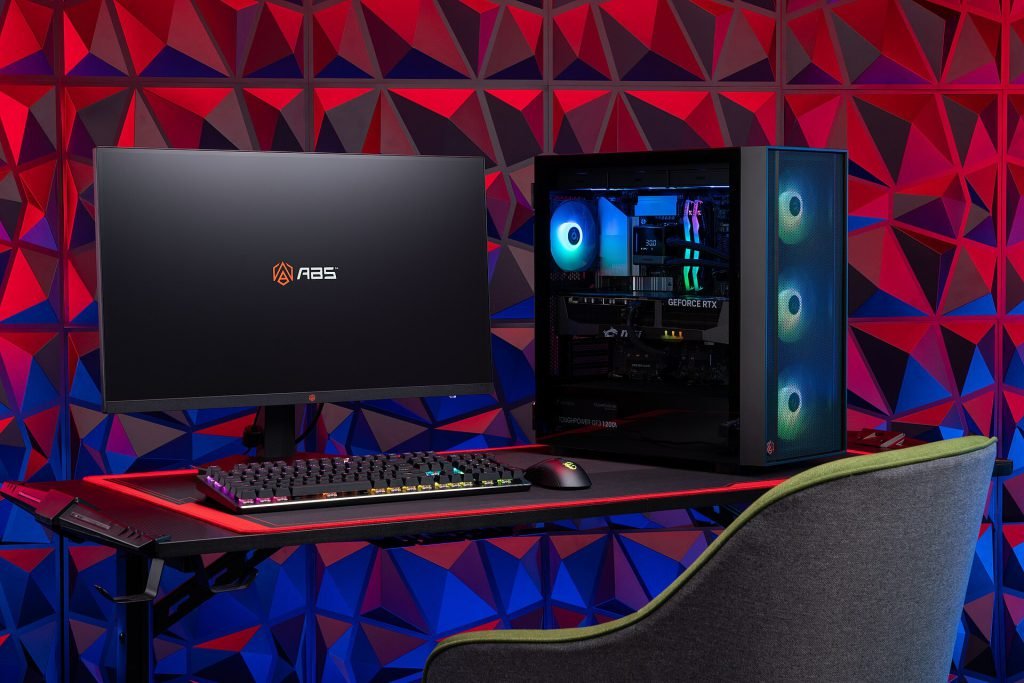
- 1080p at 240Hz+ for competitive esports on modest GPUs.
- 1440p at 165–360Hz — the sweet spot for most gamers.
- 4K at 144–240Hz for high-end GPUs and cinematic games.
- Consoles top out at 120Hz, so prioritise HDMI 2.1 and 4K.
OLED burn-in: should you worry?
Modern OLED monitors use pixel-shifting and refresh cycles to minimise burn-in, and many brands include burn-in warranties. For mixed gaming and media the risk is low; if the monitor will display static spreadsheets all day, Mini-LED or IPS is safer.
Setup tips
Frequently asked questions
Is OLED worth it for gaming?
Yes — OLED’s instant response and perfect blacks make games look and feel dramatically better, especially at high refresh rates.
What size gaming monitor is best?
27 inches suits 1440p on a typical desk; 32 inches suits 4K.
Do I need a 360Hz monitor?
Only for competitive esports with a GPU that can reach those frame rates; 165–240Hz is plenty for most players.
Pair it with one of the best gaming mice or a gaming laptop.
Upgrade your view
OLED monitor prices have been falling — check today’s best deals.