Best PS5 Accessories in 2026: Controllers, Storage, Audio and More
From the DualSense Edge to extra SSD storage, the PS Portal and the disc drive for Digital and Pro consoles — these are the PS5 accessories actually worth buying.
The verdict
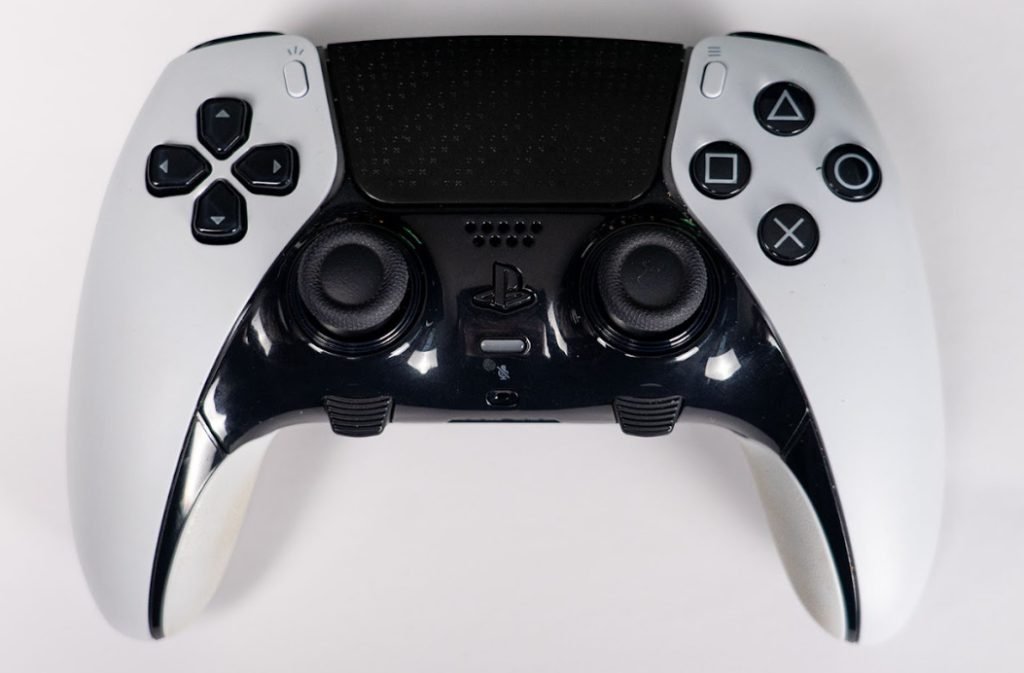
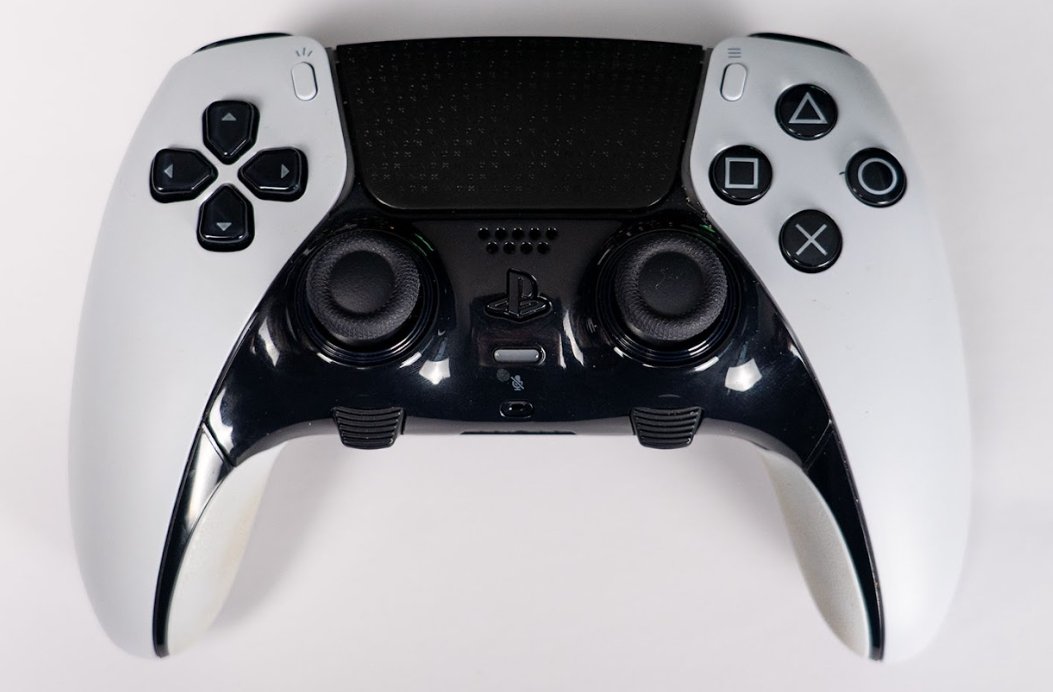
Sony DualSense Edge
The DualSense Edge is the upgrade PS5 owners feel every session; an M.2 SSD is the smartest buy for everyone else.
A PlayStation 5 is excellent out of the box, but a few carefully chosen accessories make it noticeably better: more storage so you stop deleting games, a second controller for co-op, a headset that makes 3D Audio shine, and — for Digital and PS5 Pro owners — a disc drive to play physical games.
We have focused on accessories that work with every current PS5 model, and explained who each one is actually for, so you do not waste money on things you will not use.
Quick picks
- Best controller upgradeDualSense Edge
- Best value upgradeAn M.2 NVMe SSD with heatsink
- Best second controllerDualSense wireless controller
- Best for Digital & ProPS5 Disc Drive
- Best for remote playPlayStation Portal
| Product | Model | Why we picked it | Where to buy |
|
Best upgrade
1
 |
DualSense Edge |
||
|
Second pad
2
 |
DualSense Controller |
||
|
Streamers
3
 |
PlayStation HD Camera |
||
|
Movie nights
4
 |
PS5 Media Remote |
The best PS5 accessories
1. DualSense Edge — the best controller upgrade
Sony’s pro controller keeps everything great about the DualSense — haptic feedback and adaptive triggers — and adds features competitive players love. The back buttons let you jump or reload without taking your thumbs off the sticks, trigger stops shorten the pull for faster shots, and you can switch between saved profiles instantly with a function button.
The standout feature is replaceable stick modules. If a stick develops drift, you swap the module rather than buying a whole new controller. Battery life is shorter than the standard DualSense, so keep the braided cable handy.
2. An M.2 NVMe SSD — the best value upgrade
Modern games regularly exceed 100GB, and the PS5’s built-in storage fills quickly. Every PS5 model has an internal M.2 slot, and installing a compatible PCIe Gen4 NVMe SSD takes about ten minutes with a small screwdriver. Games run from it at full speed.
- Choose a PCIe Gen4 drive rated at 5,500MB/s or faster.
- Use a drive with a heatsink, or add a slim one — the PS5 requires cooling.
- 1TB or 2TB gives the best price per gigabyte.
3. DualSense wireless controller — the best second controller
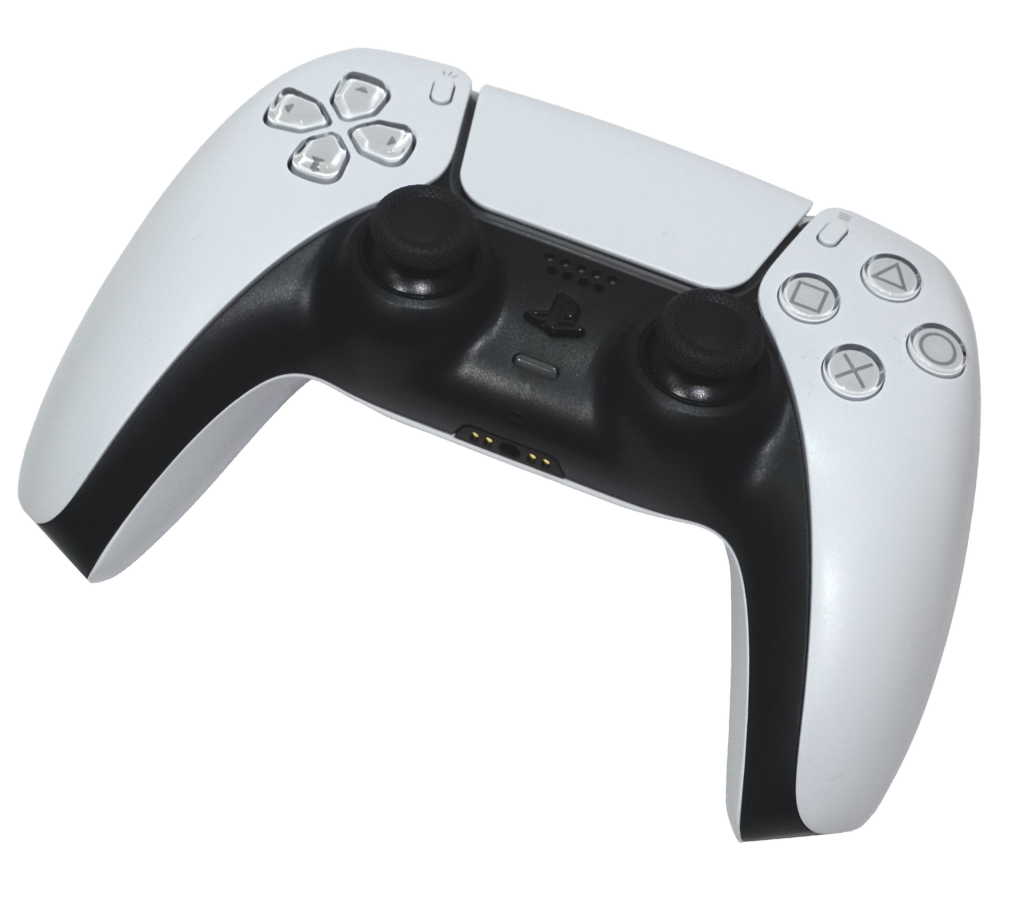
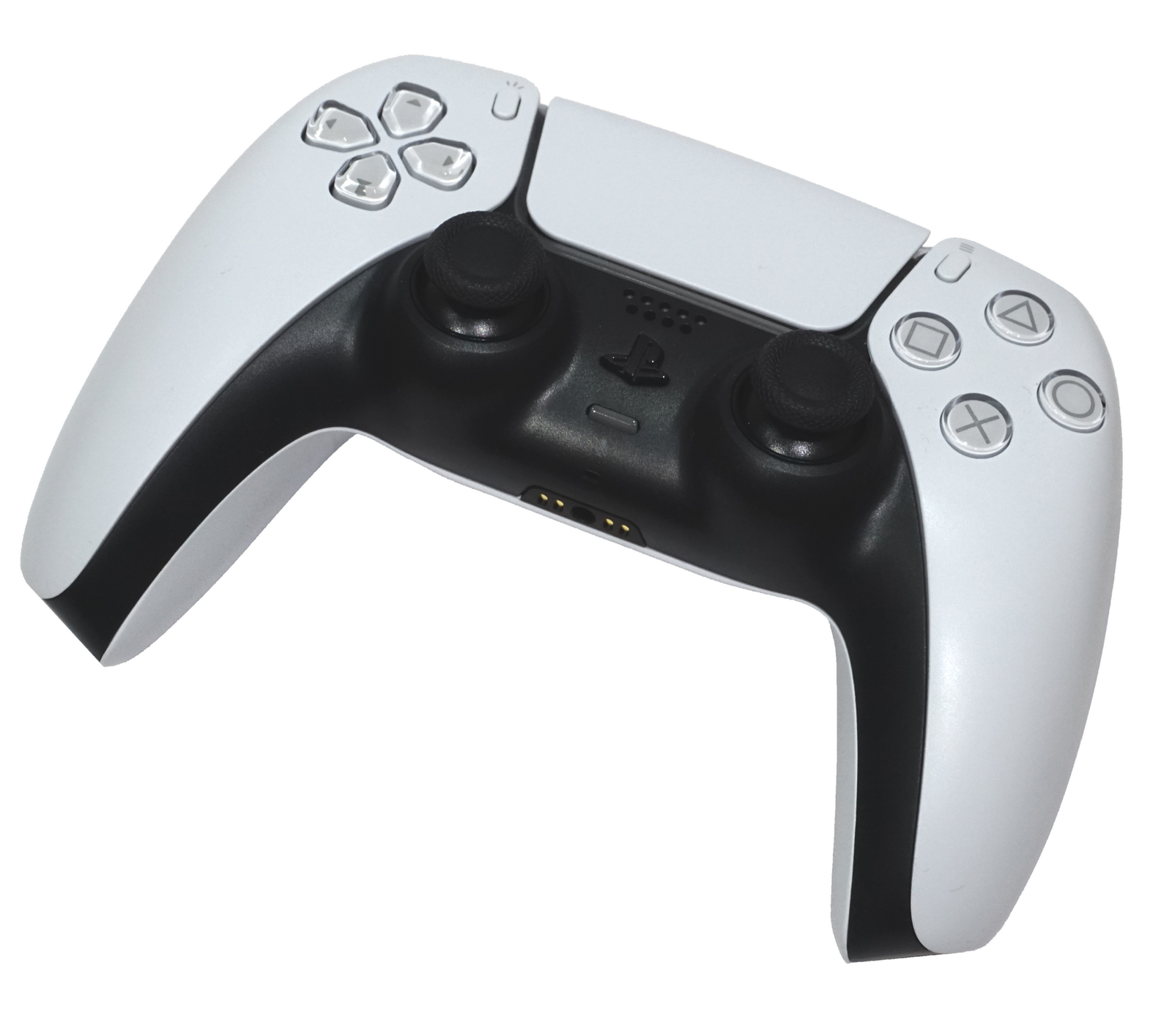
If you play co-op or have family members who game, a second standard DualSense is essential. It is comfortable, its haptics are still some of the best in any controller, and it comes in plenty of colours so everyone can tell theirs apart. A charging station keeps both pads topped up.
4. PS5 Disc Drive — for Digital Edition and PS5 Pro owners
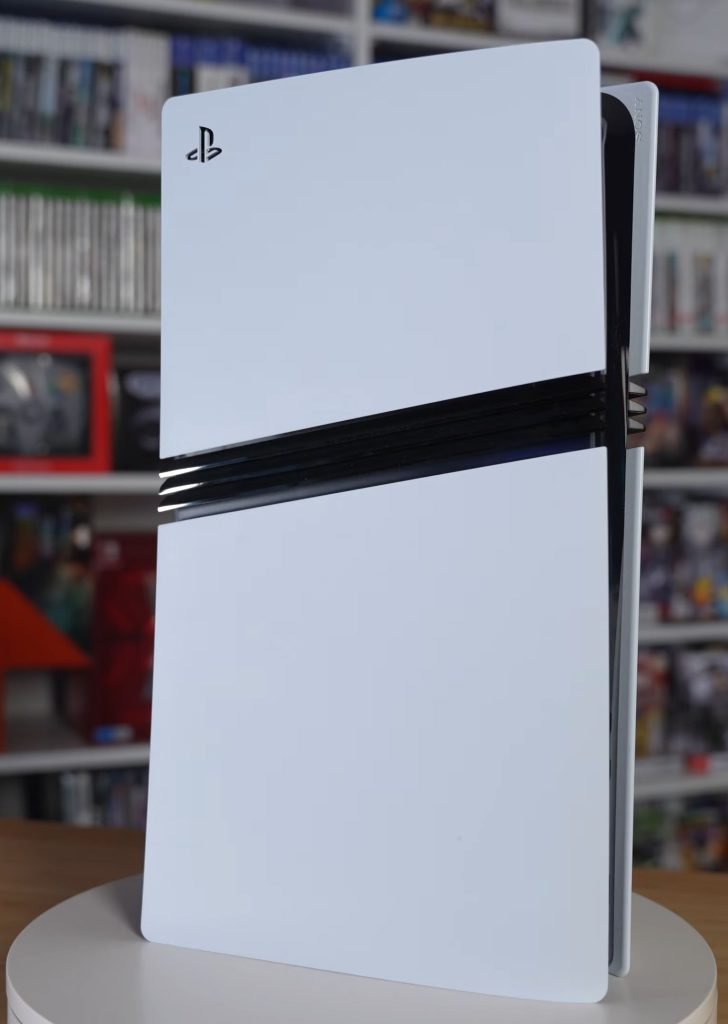
The slim PS5 Digital Edition and the PS5 Pro ship without a disc drive, but both accept Sony’s detachable drive. If you buy used games, borrow from friends or collect Blu-ray films, it pays for itself quickly. Note that the drive needs a one-time internet connection to pair with the console.
5. PlayStation Portal — best for remote play
PlayStation Portal is a handheld with a full DualSense split around an 8-inch screen. It streams games from your PS5 over Wi-Fi, so you can keep playing when the TV is in use. It works best on a strong home network; it is not a standalone console, so it will not replace a Switch 2 for travel.
6. PlayStation HD Camera and Media Remote
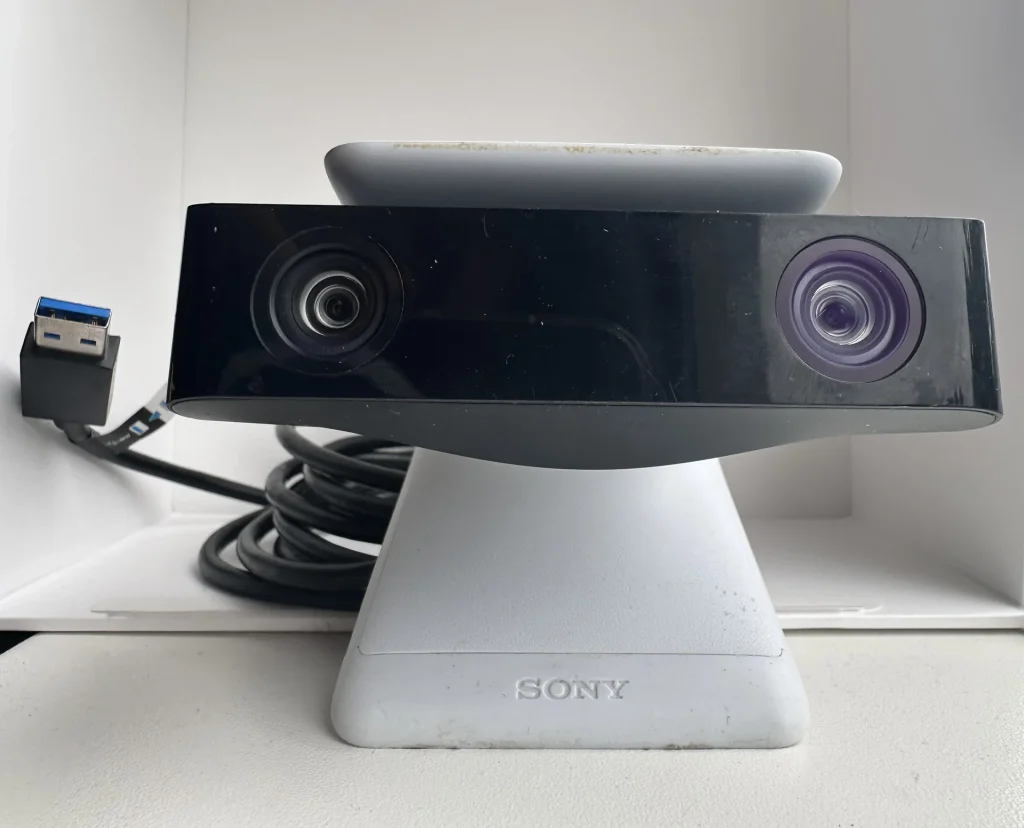
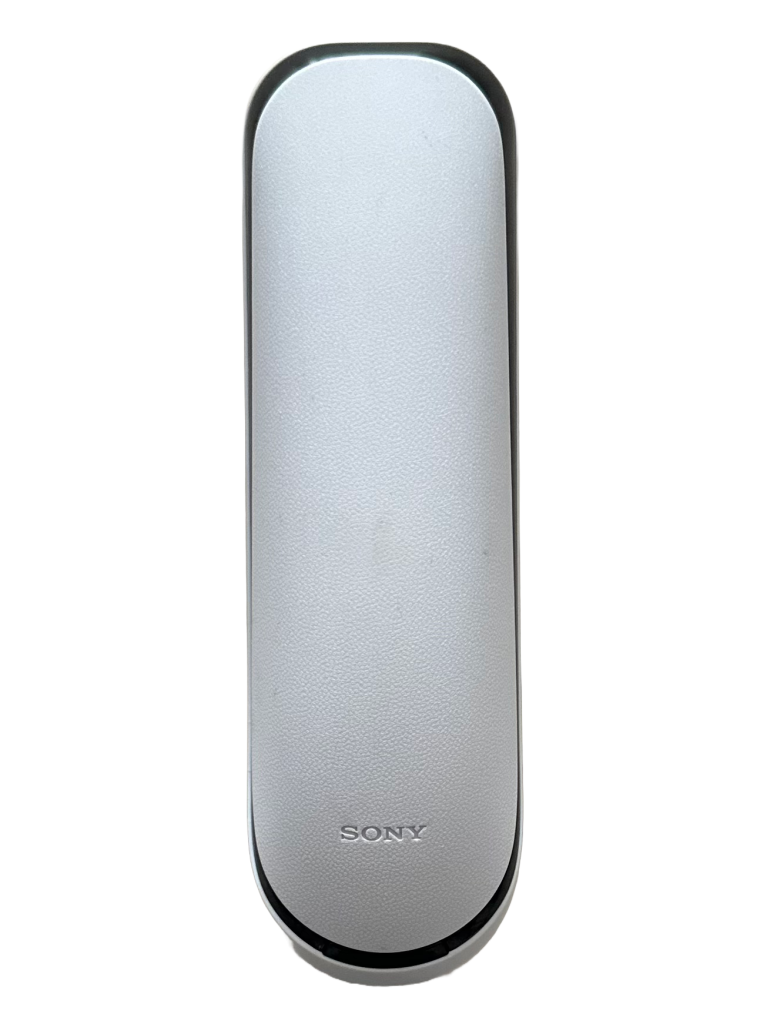
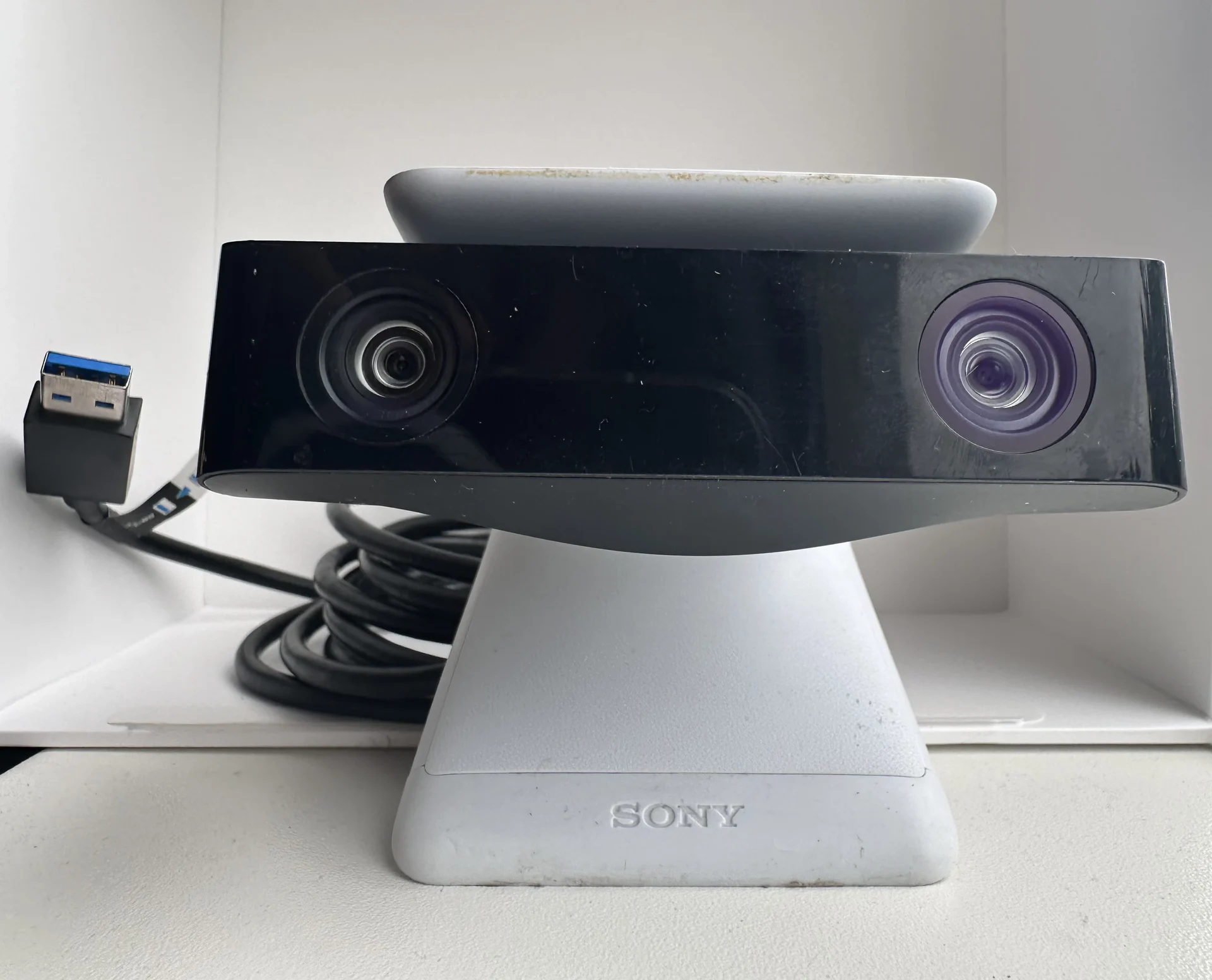
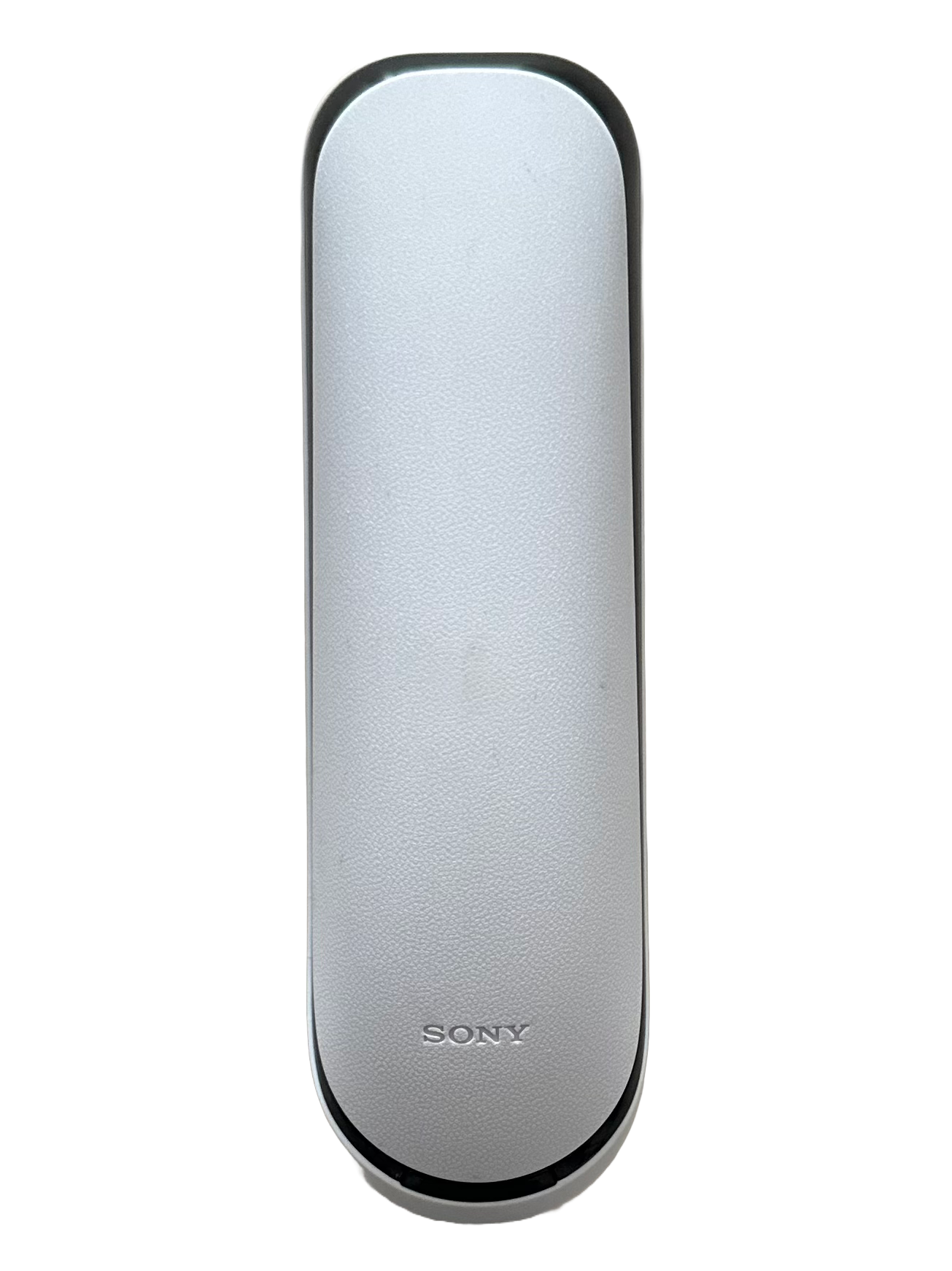
The HD Camera is a simple, plug-in facecam for streamers, with background removal built into the PS5’s broadcast tools. The Media Remote is a small quality-of-life upgrade for anyone who uses the PS5 for Netflix, YouTube or Disney+, with dedicated app buttons and TV power and volume control.
What to buy first
| If you… | Buy this first |
|---|---|
| Keep running out of space | M.2 NVMe SSD with heatsink |
| Play competitive shooters | DualSense Edge |
| Play co-op on the sofa | Second DualSense + charging station |
| Own a Digital or Pro console and buy discs | PS5 Disc Drive |
| Share the TV with family | PlayStation Portal |
Buying tips
Also considering Nintendo’s latest hardware? Read our Nintendo Switch 2 review.
Level up your PS5
The DualSense Edge is the single upgrade you will notice in every game.