Top 10 Best Gaming Mice in 2026: Wireless, Ultralight & Budget Picks
The 10 best gaming mice from Logitech, Razer and more — for FPS esports, MMOs, work-and-play and tight budgets — ranked with pros, cons and grip advice.
The verdict
Logitech G Pro X Superlight 2
The Logitech G Pro X Superlight 2 is the best gaming mouse for most players; the G305 is the budget wireless pick.
A great gaming mouse is the fastest upgrade to your aim. Modern sensors are flawless, wireless is now as responsive as wired, and weights have dropped dramatically — but shape and grip style still decide whether a mouse feels perfect or awkward in your hand.
We ranked the ten best gaming mice for esports, MMOs, everyday gaming and tight budgets, and explain how to pick the right shape for your grip.
Our top picks at a glance
- Best overallLogitech G Pro X Superlight 2
- Best ergonomicRazer DeathAdder V3 Pro
- Best for esportsRazer Viper V3 Pro
- Best feature-packedLogitech G502 X Plus
- Best budget wirelessLogitech G305 Lightspeed
- Most customisableRazer Basilisk V3 Pro
- Best lightweight valueGlorious Model O 2 Wireless
- Best for work and playLogitech MX Master 3S
- Best for MMOsRazer Naga V2 Pro
- Best cheap wiredLogitech G203 Lightsync
| Model | Why we picked it | Where to buy |
Logitech G Pro X Superlight 2 |
||
Razer DeathAdder V3 Pro |
||
Razer Viper V3 Pro |
||
Logitech G502 X Plus |
||
Logitech G305 Lightspeed |
||
Razer Basilisk V3 Pro |
||
Glorious Model O 2 Wireless |
||
Logitech MX Master 3S |
||
Razer Naga V2 Pro |
||
Logitech G203 Lightsync |
How we chose
We compared each gaming mice against its closest rivals at the same price using manufacturer specifications, independent test data and long-term owner feedback from verified buyers. Every pick is scored out of 10 on performance, value, build quality and longevity — see our editorial policy. We never accept payment for placement.
The 10 best gaming mice in 2026
1. Logitech G Pro X Superlight 2 — Best overall
The Superlight 2 is the mouse most esports pros reach for. It is extremely light, its simple symmetrical shape suits most grips, and Logitech’s Lightspeed wireless is indistinguishable from a cable.
It has few extra buttons, so MMO and MOBA players may prefer something more feature-rich.
2. Razer DeathAdder V3 Pro — Best ergonomic
The DeathAdder’s right-handed ergonomic shape is one of the most comfortable ever made, and the V3 Pro sheds a lot of weight without losing that comfort. It is ideal for palm grippers and larger hands.
Left-handed players should look elsewhere.
3. Razer Viper V3 Pro — Best for esports
Designed with pro players, the Viper V3 Pro is a fast, light symmetrical mouse with support for very high polling rates, which can make cursor motion feel even smoother on high-refresh monitors.
Its side buttons are right-side only despite the symmetrical shape.
4. Logitech G502 X Plus — Best feature-packed
The G502 is a legend, and the X Plus modernises it with wireless, lighter weight and hybrid switches. It has plenty of programmable buttons and a fast free-spinning scroll wheel.
It is heavier than esports mice, which some players prefer for control.
5. Logitech G305 Lightspeed — Best budget wireless
The G305 delivers Logitech’s pro-grade wireless and a great sensor for a fraction of the price. It runs for months on a single AA battery.
The battery adds a little weight, and the build is simpler than premium models.
6. Razer Basilisk V3 Pro — Most customisable
The Basilisk V3 Pro is packed with features: a smart scroll wheel that switches between notched and free-spin, lots of buttons and optional wireless charging. It is comfortable for long sessions.
It is heavier than competitive esports mice.
7. Glorious Model O 2 Wireless — Best lightweight value
The Model O 2 Wireless brings a light, fast esports shape to a lower price than Logitech and Razer flagships. It is a great way to try a lightweight mouse without spending a lot.
Software is less polished than the big brands.
8. Logitech MX Master 3S — Best for work and play
Not a gaming mouse, but if your PC is mainly for work with some casual gaming, the MX Master 3S is the most comfortable productivity mouse around, with a brilliant scroll wheel and multi-device switching.
It is too heavy and slow for competitive shooters.
9. Razer Naga V2 Pro — Best for MMOs
MMO players need lots of buttons, and the Naga V2 Pro offers swappable side plates with up to 12 buttons for abilities and macros. It is comfortable and wireless.
It is heavy and not suited to fast-paced shooters.
10. Logitech G203 Lightsync — Best cheap wired
If you want a proper gaming mouse for very little money, the G203 is a classic. It has a dependable sensor, a comfortable small shape and RGB lighting.
It is wired and fairly basic, but it outperforms generic office mice for gaming.
Comparison at a glance
| Product | Best for | Our score |
|---|---|---|
| Logitech G Pro X Superlight 2 | Competitive FPS players | 9.2/10 |
| Razer DeathAdder V3 Pro | Palm grip and big hands | 9.0/10 |
| Razer Viper V3 Pro | Claw grip competitive play | 9.0/10 |
| Logitech G502 X Plus | All-round gaming | 8.7/10 |
| Logitech G305 Lightspeed | Wireless on a budget | 8.6/10 |
| Razer Basilisk V3 Pro | Button and scroll customisation | 8.6/10 |
| Glorious Model O 2 Wireless | Light mouse for less | 8.3/10 |
| Logitech MX Master 3S | Productivity with casual gaming | 8.5/10 |
| Razer Naga V2 Pro | MMO and MOBA players | 8.4/10 |
| Logitech G203 Lightsync | Entry-level gamers | 8.0/10 |
How to choose a gaming mouse
- Grip style: palm grippers prefer larger ergonomic mice; claw and fingertip grippers prefer smaller, lighter shapes.
- Weight: lighter mice (under 70g) make fast flicks easier.
- Wireless: modern gaming wireless has no noticeable lag.
- Buttons: MMO and MOBA players benefit from extra programmable buttons.
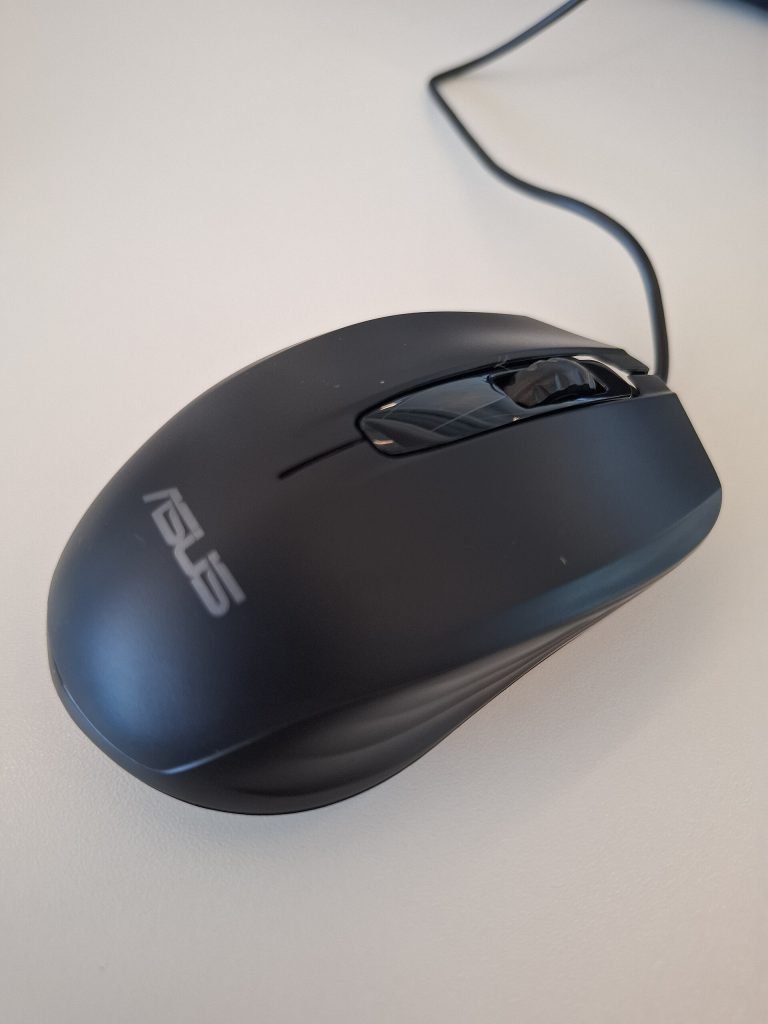
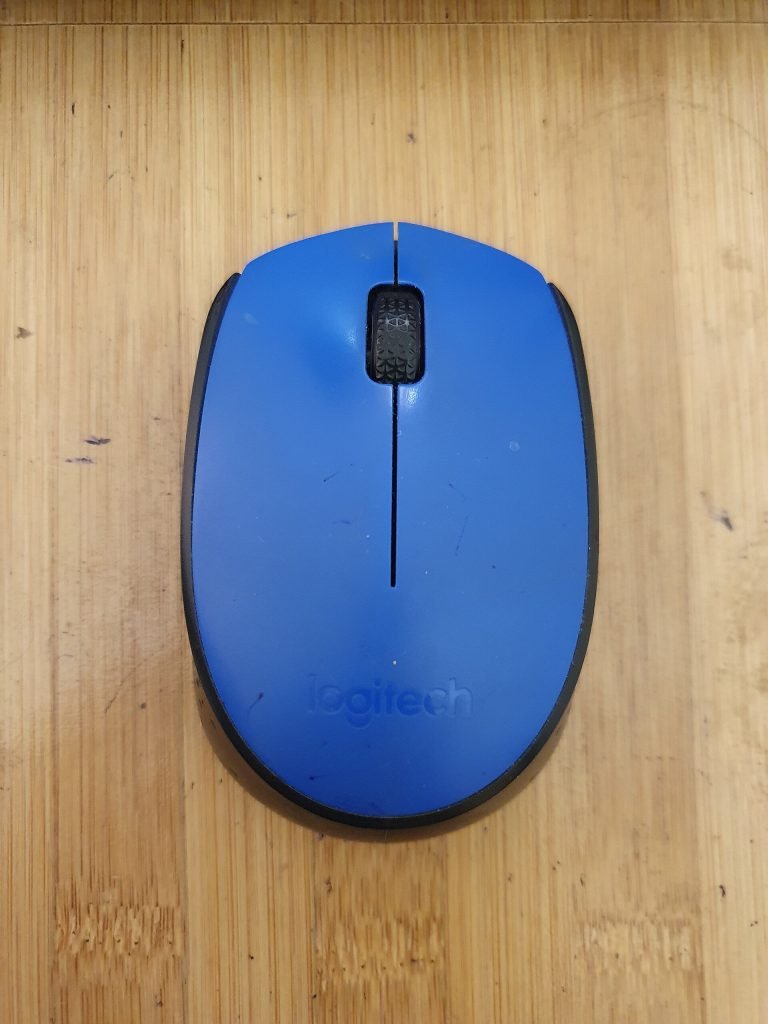
An office mouse like the Logitech M171 pictured is fine for browsing, but gaming mice have far better sensors, faster switches and lower latency.
Pro setup tips
Frequently asked questions
Is a wireless gaming mouse as good as wired?
Yes. Gaming wireless from Logitech, Razer and others has latency comparable to a cable, and most pros now use wireless.
What DPI should I use?
Most players use 400–1,600 DPI and adjust in-game sensitivity. Higher DPI is not automatically better.
Are lightweight mice better?
For fast-paced shooters, generally yes — less weight means quicker, less tiring movements.
Complete your setup with the best gaming monitors.
Upgrade your aim
Gaming mice are regularly discounted — check today’s prices on our top picks.