Top 7 Best Smart Locks in 2026: Keyless Entry for Every Door
The 7 best smart locks — fingerprint, keypad, Apple Home Key and renter-friendly retrofit models from Yale, August, Schlage, Level, Eufy and Nuki — ranked with pros and cons.
The verdict
Yale Assure Lock 2 Touch
The Yale Assure Lock 2 Touch is the best smart lock for most homes; August is the pick for renters.
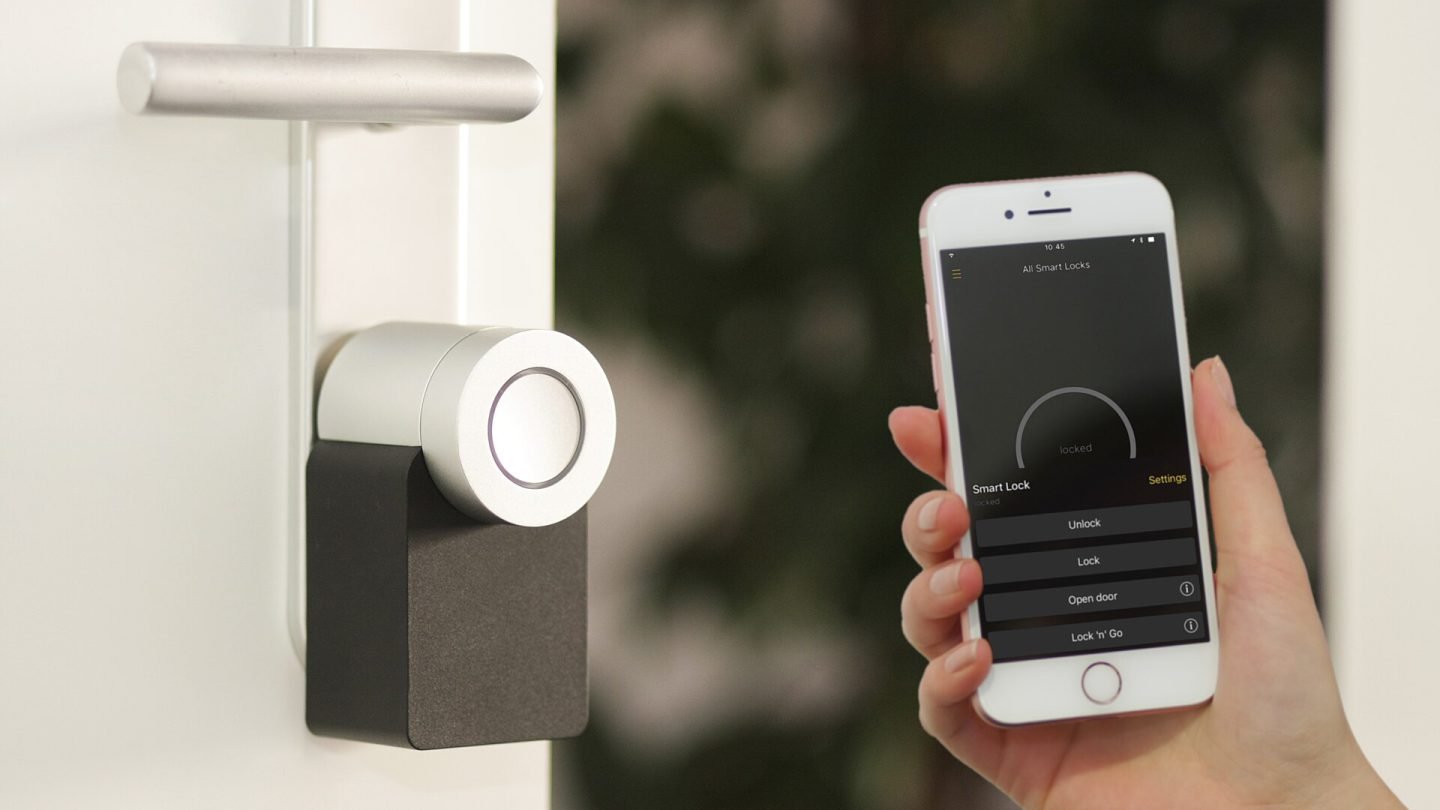
A smart lock means no more fumbling for keys, no more wondering whether you locked the door and easy access for guests, cleaners and deliveries. You can unlock with your phone, a code, a fingerprint or even automatically as you arrive home.
We ranked the seven best smart locks for different doors, budgets and smart home systems — including options for renters who cannot replace their lock.
Our top picks at a glance
- Best overallYale Assure Lock 2 Touch
- Best for Google HomeGoogle Nest x Yale Lock
- Best for rentersAugust Wi-Fi Smart Lock
- Most secureSchlage Encode Plus
- Best invisible designLevel Lock+
- Best lock with cameraEufy Video Smart Lock E330
- Best retrofit for European doorsNuki Smart Lock
| Model | Why we picked it | Where to buy |
Yale Assure Lock 2 Touch |
||
Google Nest x Yale Lock |
||
August Wi-Fi Smart Lock |
||
Schlage Encode Plus |
||
Level Lock+ |
||
Eufy Video Smart Lock E330 |
||
Nuki Smart Lock |
How we chose
We compared each smart lock against its closest rivals at the same price using manufacturer specifications, independent test data and long-term owner feedback from verified buyers. Every pick is scored out of 10 on performance, value, build quality and longevity — see our editorial policy. We never accept payment for placement.
The 7 best smart locks in 2026
1. Yale Assure Lock 2 Touch — Best overall
The Yale Assure Lock 2 Touch combines a fast fingerprint reader with a keypad and app control, and supports all major smart home platforms depending on the module. It looks sleek and installs in place of a standard deadbolt.
Some smart home features depend on buying the right connectivity module.
2. Google Nest x Yale Lock — Best for Google Home
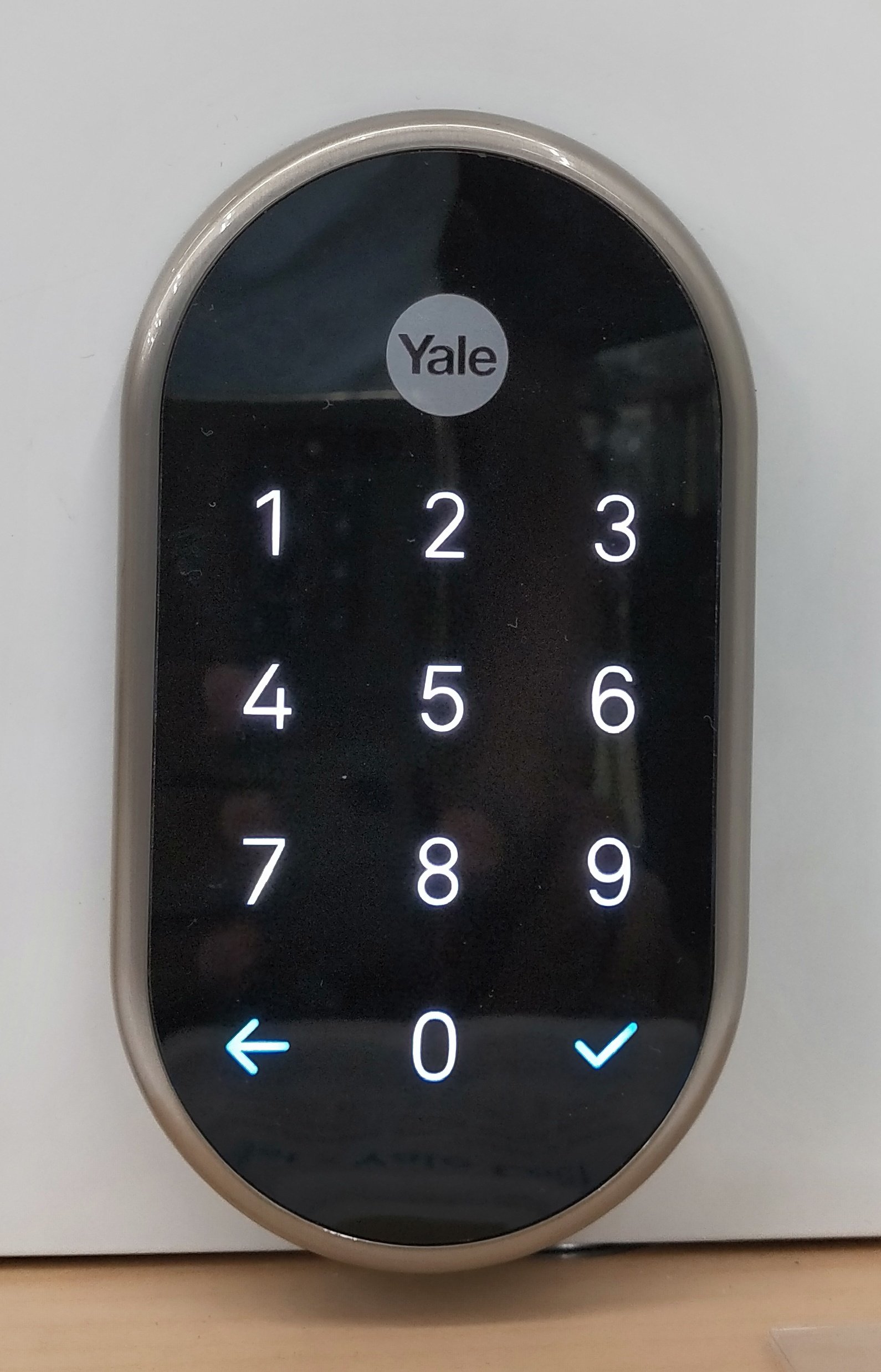
Built in partnership with Google, the Nest x Yale Lock integrates seamlessly with the Google Home app and Nest displays, with a clean touchscreen keypad and scheduled guest codes.
It has no physical key cylinder on the standard model — make sure you are comfortable with keyless entry.
3. August Wi-Fi Smart Lock — Best for renters
August’s lock replaces only the inside part of your deadbolt, so your existing keys still work and the outside of your door looks unchanged — ideal for renters.
You will need the optional keypad if you want code entry.
4. Schlage Encode Plus — Most secure
Schlage is known for tough locks, and the Encode Plus pairs a high-security deadbolt with Apple Home Key — tap your iPhone or Apple Watch to unlock, even if your phone battery is low.
It is bulkier than some rivals.
5. Level Lock+ — Best invisible design
Level hides all its smart tech inside the deadbolt itself, so from outside it looks like an ordinary lock. The Lock+ adds Apple Home Key support for tap-to-unlock.
Without a keypad, guests need the app or a key card.
6. Eufy Video Smart Lock E330 — Best lock with camera
Eufy combines a smart lock and video doorbell into one device — useful if you want both but only have room or wiring for one. Video is stored locally, avoiding subscriptions.
It is chunky and relies on a rechargeable battery.
7. Nuki Smart Lock — Best retrofit for European doors
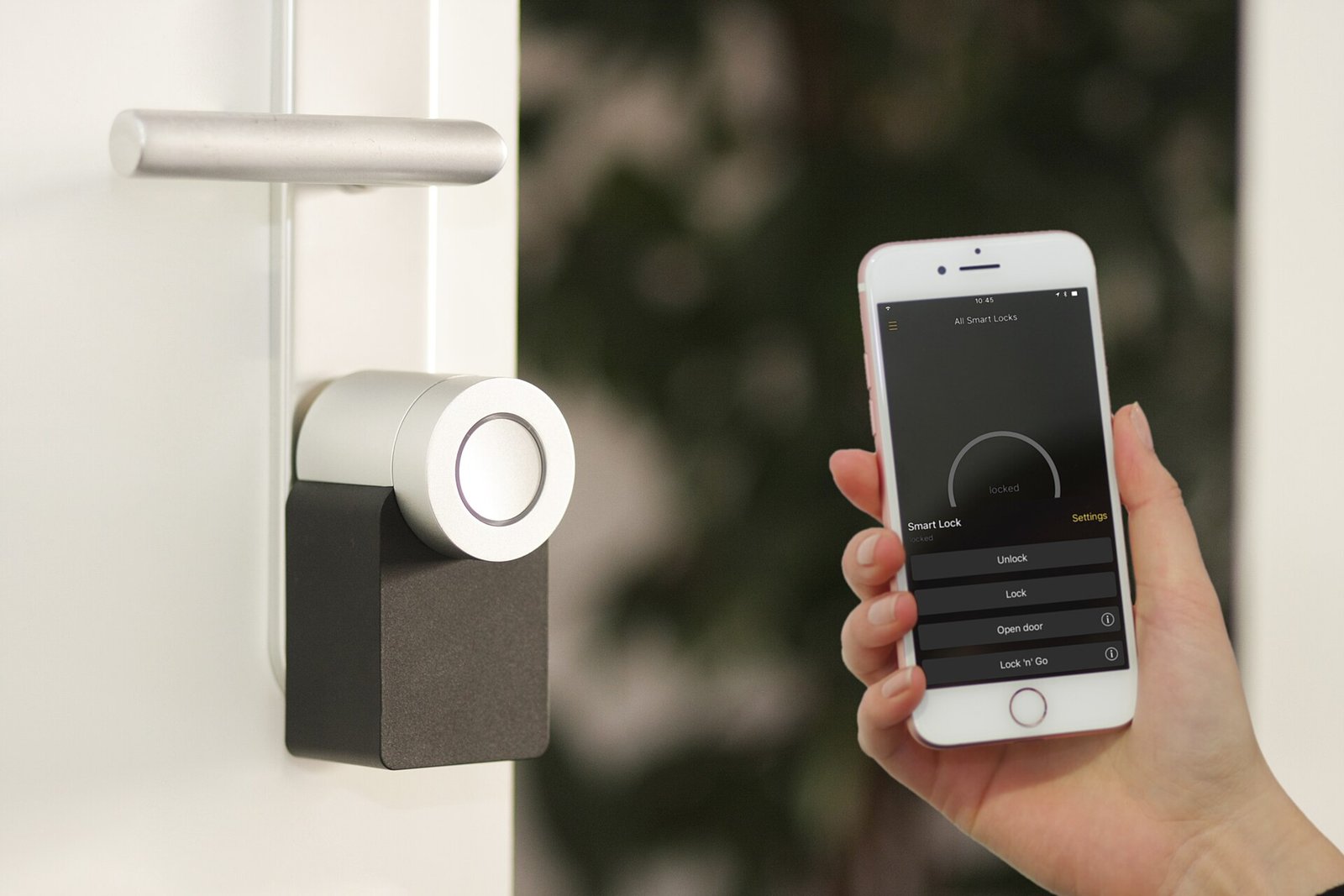
Nuki is popular in Europe because it fits over existing Euro-profile cylinder locks on the inside of the door, turning the key for you. Recent models support Matter for broad smart home compatibility.
Check compatibility with your door and region before buying.
Comparison at a glance
| Product | Best for | Our score |
|---|---|---|
| Yale Assure Lock 2 Touch | Most homes | 8.9/10 |
| Google Nest x Yale Lock | Nest and Google users | 8.5/10 |
| August Wi-Fi Smart Lock | Keeping your existing key | 8.6/10 |
| Schlage Encode Plus | Security and Apple Home Key | 8.6/10 |
| Level Lock+ | Minimalist look | 8.3/10 |
| Eufy Video Smart Lock E330 | Doorbell and lock in one | 8.3/10 |
| Nuki Smart Lock | Euro-profile cylinders | 8.1/10 |
How to choose a smart lock
- Your door: US deadbolts, European cylinders and mortise locks need different models.
- Ecosystem: check Alexa, Google Home, Apple Home or Matter support.
- Entry methods: keypad, fingerprint, app, Apple Home Key or physical key.
- Power: most use batteries — look for low-battery alerts and a backup key or charging option.
Security tips
Frequently asked questions
Are smart locks secure?
Quality smart locks from established brands are as secure as traditional deadbolts, with encrypted connections and tamper alerts. Keep firmware updated.
What happens if the battery dies?
You get low-battery warnings weeks in advance. Most models have a backup key or emergency USB-C power.
Can renters install smart locks?
Yes — retrofit models such as August or Nuki fit over your existing lock without changing the outside.
Pair your lock with one of the best video doorbells.
Go keyless
Smart locks are often discounted during home-improvement sales — check today’s prices.